Install the proprietary shortcut
Windows and Android use different companion software.
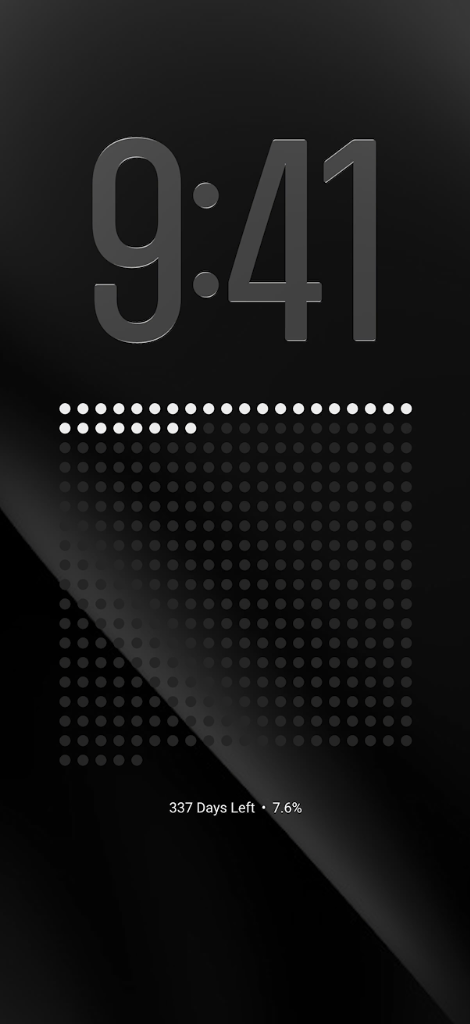
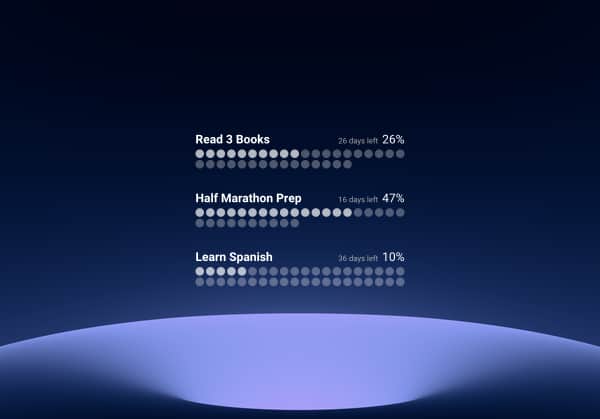
See your progress at every glance with a wallpaper that updates itself daily.
View Plans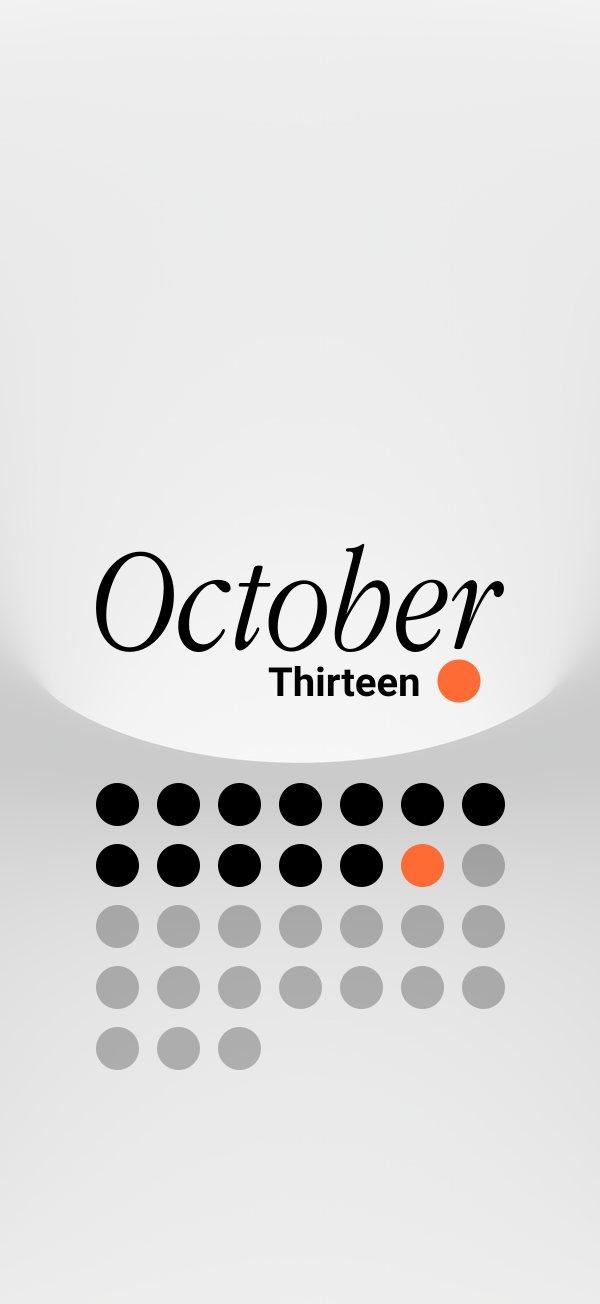

Set it up once and your wallpaper keeps itself updated every day.
One dot = one day.
Quick easy steps to make your wallpaper update itself daily.
Windows and Android use different companion software.
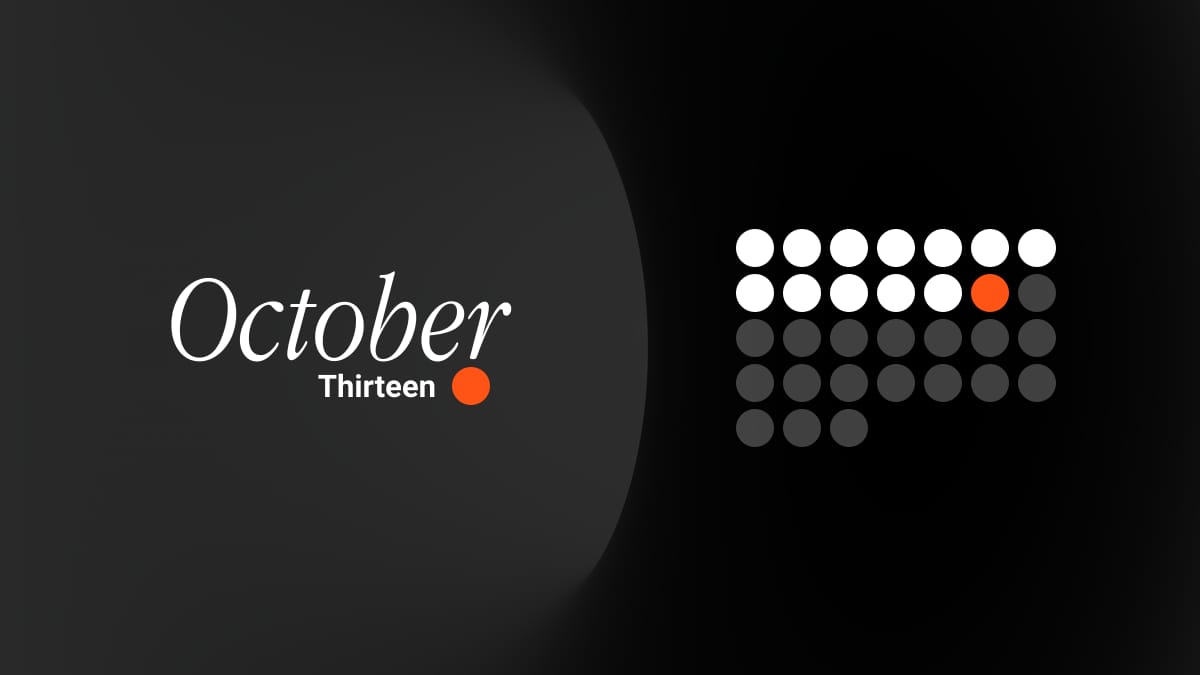
Four well-designed dynamic wallpapers.
The same dynamic wallpaper system is optimized for desktop, with high-resolution output and clean layouts that stay readable all day.
Payhip confirms current pricing at checkout.
$ Price at checkout / mo
Perfect for getting started with daily-updating mobile wallpapers.
$ Price at checkout / mo
Best for desktop users who want higher-quality output and wider format support.
$ Price at checkout / mo
Everything unlocked for advanced setups and full customization.
Quick answers before you start.
CDS Dynamic works on iPhone, iPad, Android, macOS, and Windows. Essentials covers iPhone and Android, Pro adds macOS and Windows, and Premium adds iPad plus the full feature set.
Essentials includes 1 device, Pro includes up to 3 devices, and Premium includes up to 10 devices. Saving devices makes switching dynamic wallpapers much easier after setup because each device keeps its own wallpaper link.
Most users finish setup in about 5 to 10 minutes using the step-by-step installation guide.
Yes. Once setup is done, the wallpaper refreshes automatically based on your device automation workflow.
Yes. You can cancel anytime. You will keep access until the end of your current billing period, and you will not be charged again after that.
You can contact support any time at support@cleandesksetup.com for setup help, bugs, or feature requests.
The macOS shortcut now handles wallpaper refreshes more reliably, especially on setups with two or more displays.
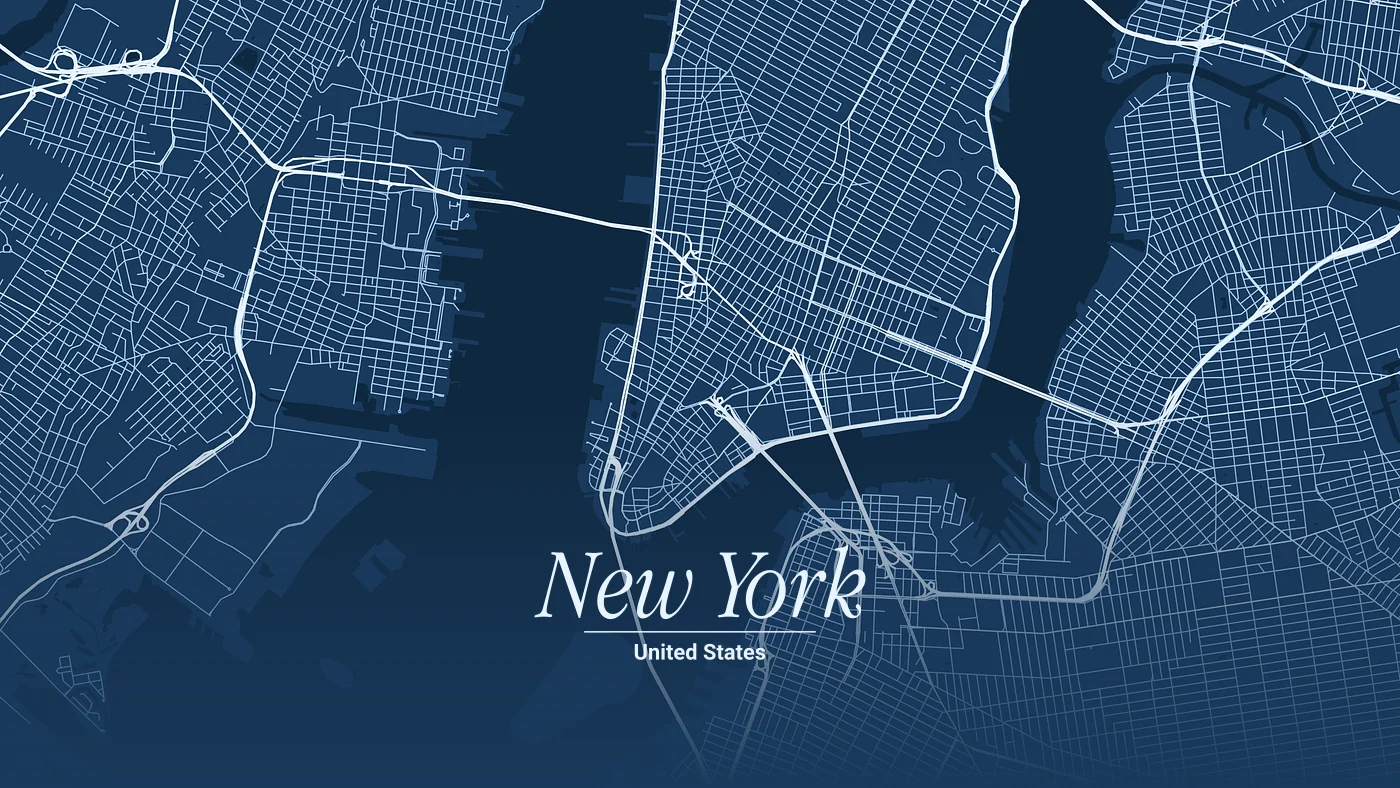
A new city wallpaper mode lets you set a beautifully styled, customizable map of your favorite location as your dynamic background.
Monthly wallpapers now include more background options with unique color designs, so you can choose a look that fits your setup.
Early access, feature updates, and launch-only offers.
One useful email at a time. Unsubscribe anytime.